Securing Your Game Accounts: Passwords, Two-Step Verification and Recovery
Game accounts hold years of progress and real purchases. Simple steps to protect them, and what to do if you think an account has been taken over.
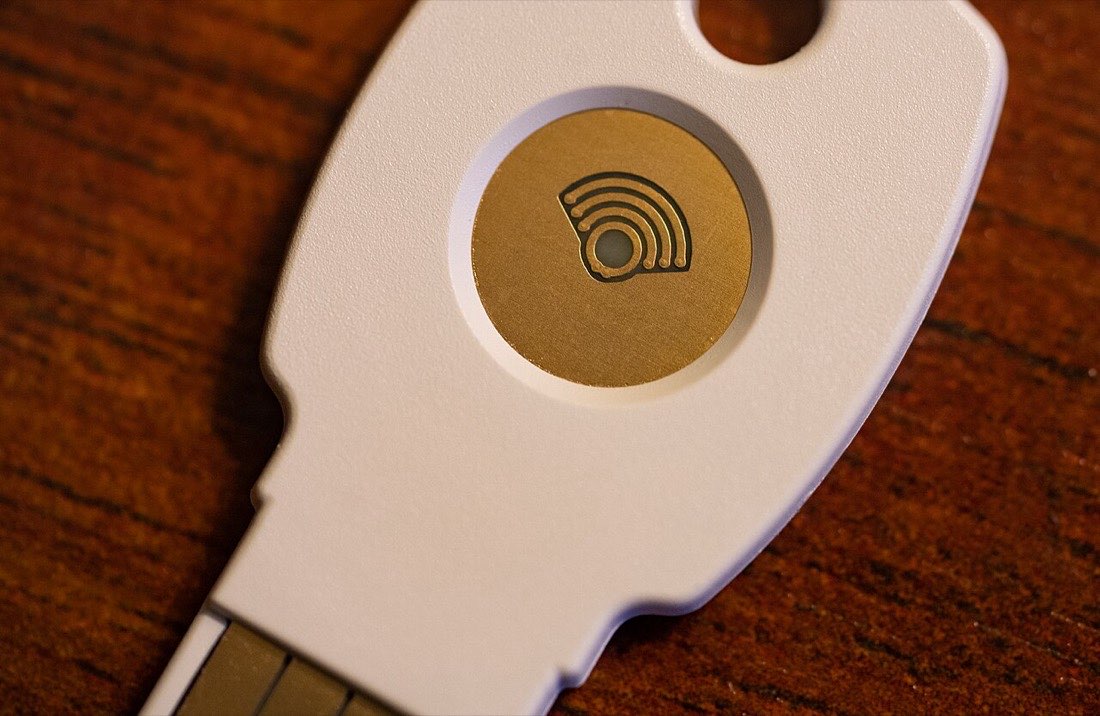
A game account can represent years of play and real money spent on items. That makes it valuable to you, and therefore interesting to people who steal and resell accounts. Fortunately, a few basic steps prevent most account takeovers.
The accounts that matter
Game progress is often protected by more than one account:
| Account | Why it matters |
|---|---|
| Your Apple ID or Google account | Controls purchases and often game saves |
| The game's own account | Holds your progress and items |
| The email linked to those accounts | Used to reset passwords |
The email account is especially important: anyone who controls it can usually reset the others.
Unique passwords
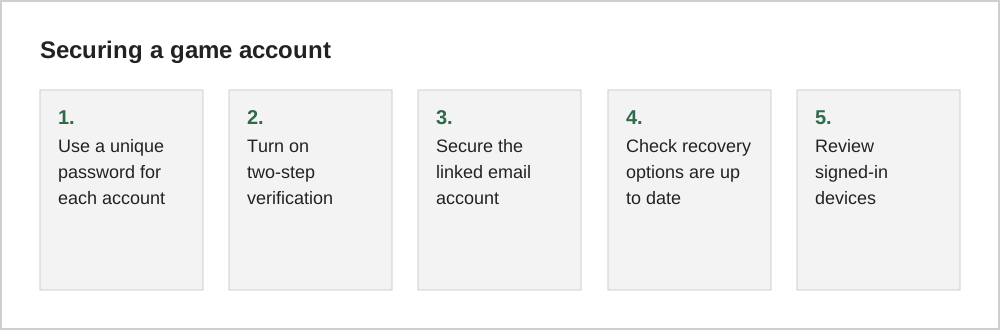
Reusing passwords is the most common way accounts are taken over. When one website leaks passwords, attackers try the same email and password on other services. A password manager makes unique passwords easy, and both major platforms include one.
Two-step verification
Two-step verification (also called two-factor authentication) asks for a second proof, such as a code or a confirmation on a trusted device, when you sign in from somewhere new. Turn it on for your Apple ID or Google account, your email, and any game account that offers it. Some services also support passkeys, which replace passwords with secure sign-in on your devices.
Recognise risky requests
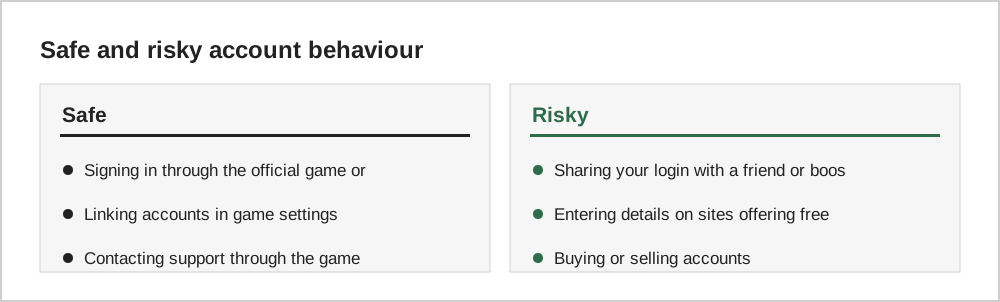
Sharing your account with someone who promises to level it up for you, or buying an account from someone else, often breaks the game's terms of service and is a common route to losing the account.
If you think your account was compromised
- Change the password of the linked email account first, then the game and store accounts.
- Sign out of all other sessions or devices if the service allows it.
- Turn on two-step verification if it was not already on.
- Check purchase history for unfamiliar purchases. See our refunds guide.
- Contact the game's support with your user ID and the details of what happened.
A ten-minute security check
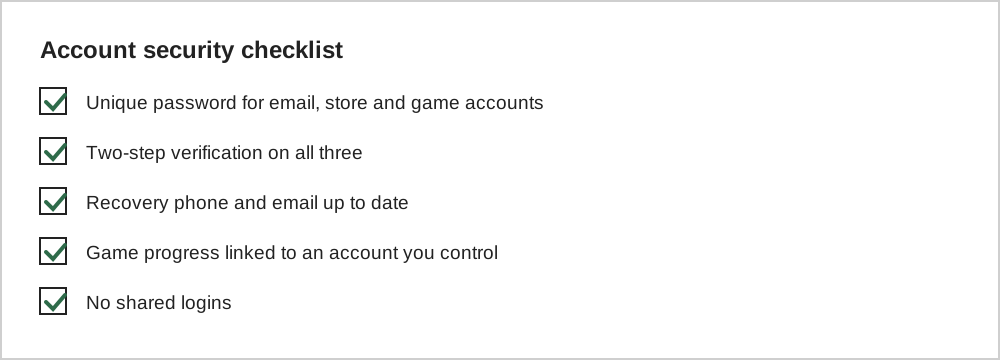
Set aside ten minutes for each important account. Change any reused password to a unique one, ideally stored in a password manager. Turn on two-step verification. Check the recovery email address and phone number are current. Then review which devices and third-party apps are signed in, and remove any you do not recognise.
For game accounts linked to Google, Apple, Facebook or a publisher login, secure that main account first. If an attacker gains access to the linked account, they can often reach every game connected to it.
Sharing accounts with family
Families sometimes share one game account between siblings or across devices. That can work, but it makes security harder: more people know the password, and purchases are harder to trace. Where possible, give each person their own account and use family sharing features for purchases, so that one mistake does not affect everyone.
Common questions
Is it safe to sign in to games with my social media account?
Signing in through a well-known provider can be convenient and secure, especially if that provider account has two-step verification. The trade-off is that losing access to the social account can also lock you out of the game. Make sure the provider account is well protected and has up-to-date recovery options.
What is the safest place to store my game passwords?
A password manager is the most practical option. Both iPhone and Android include one, and reputable independent password managers are also available. Avoid storing passwords in notes or screenshots that sync to many devices without protection.
How often should I change my passwords?
Current security guidance generally favours long, unique passwords that you change when there is a reason to, such as a known leak or suspicious activity, rather than changing them on a fixed schedule. Two-step verification adds far more protection than frequent password changes.
The short version
Protect the email account first, use unique passwords, turn on two-step verification, and never share codes or logins. If something goes wrong, secure the email, sign out other sessions, check purchases and contact the game's support quickly.